Every view, every screen, every state.
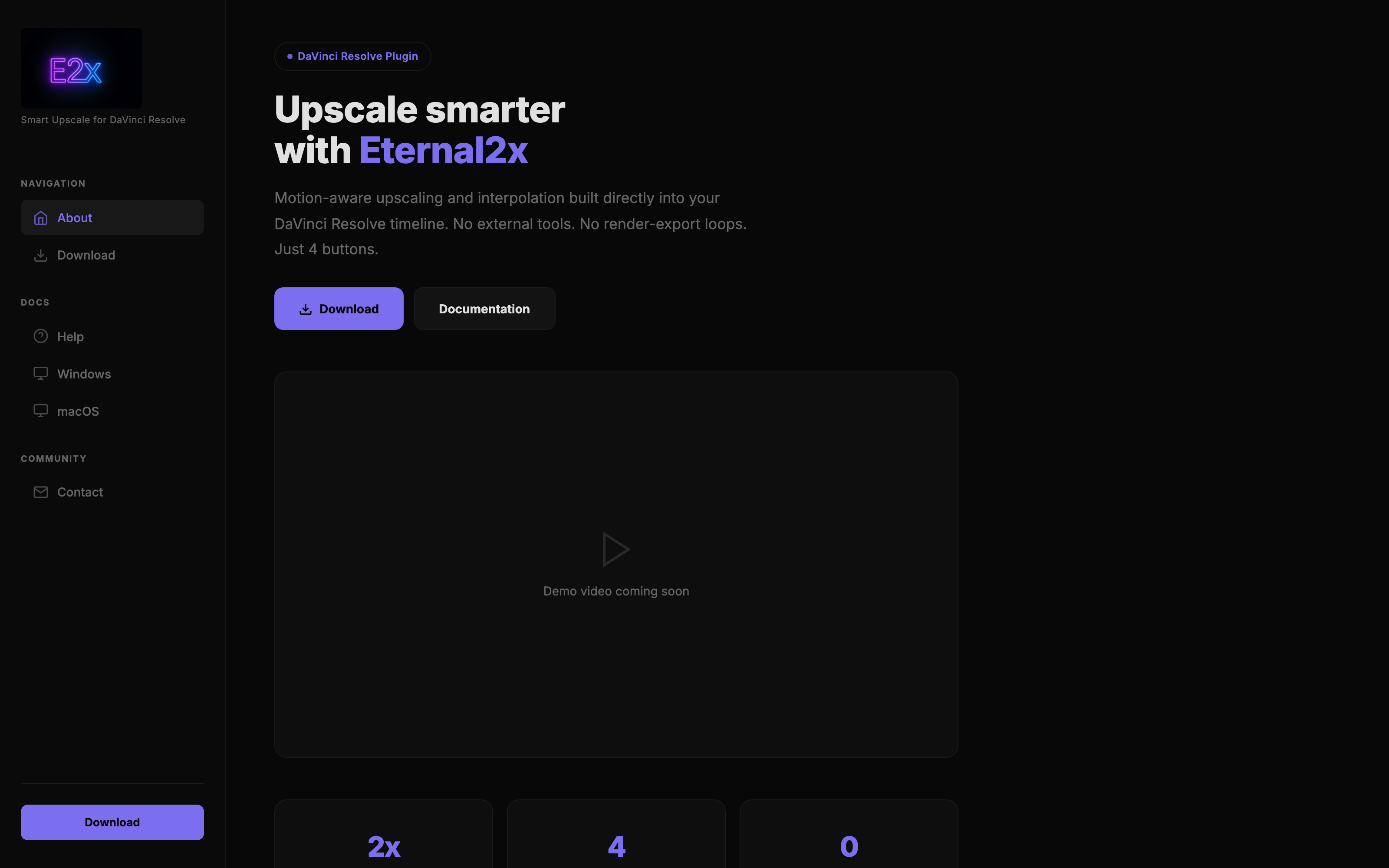
Eternal2x
Home · Eternal2x.com
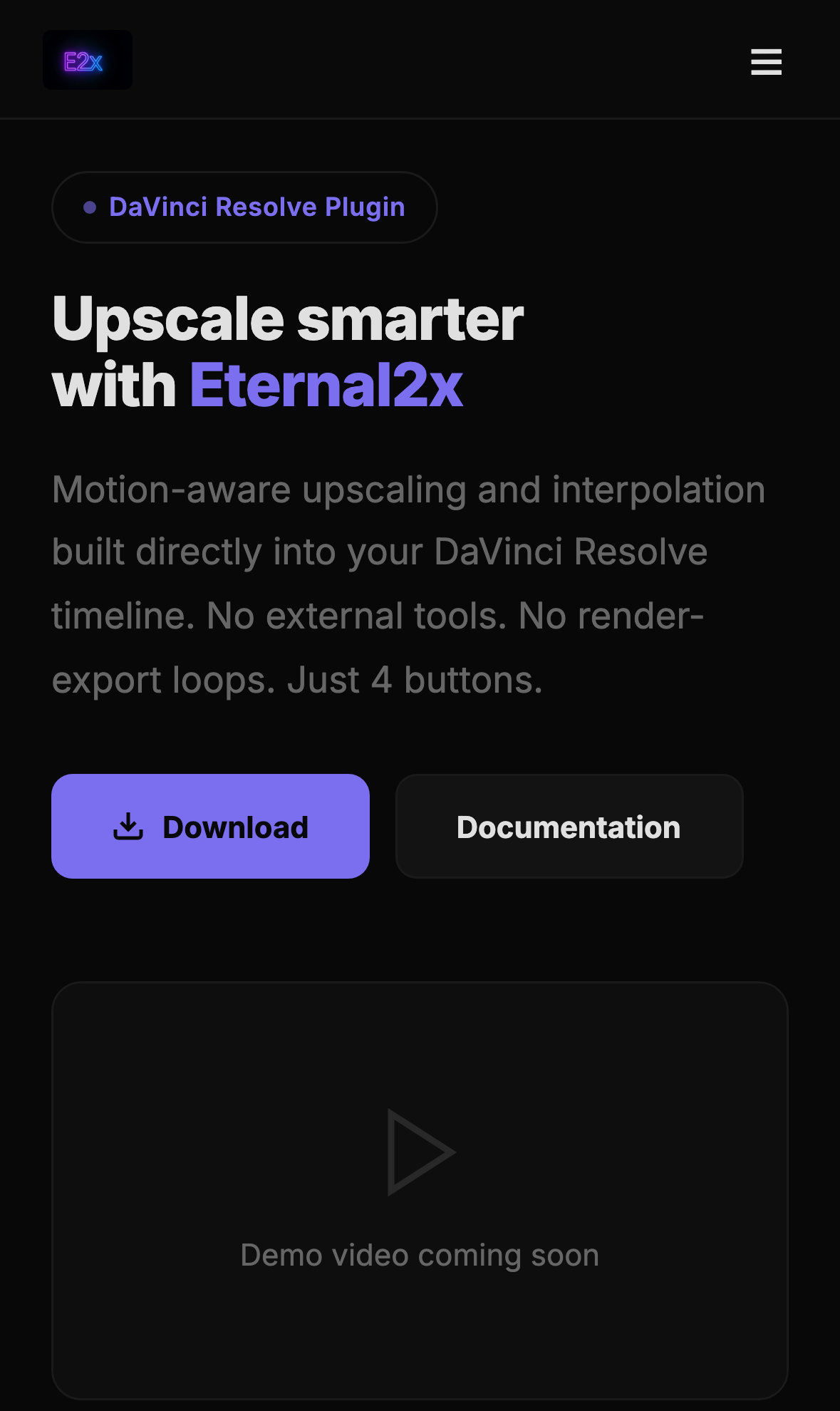
Mobile
Eternal2x.com on iPhone
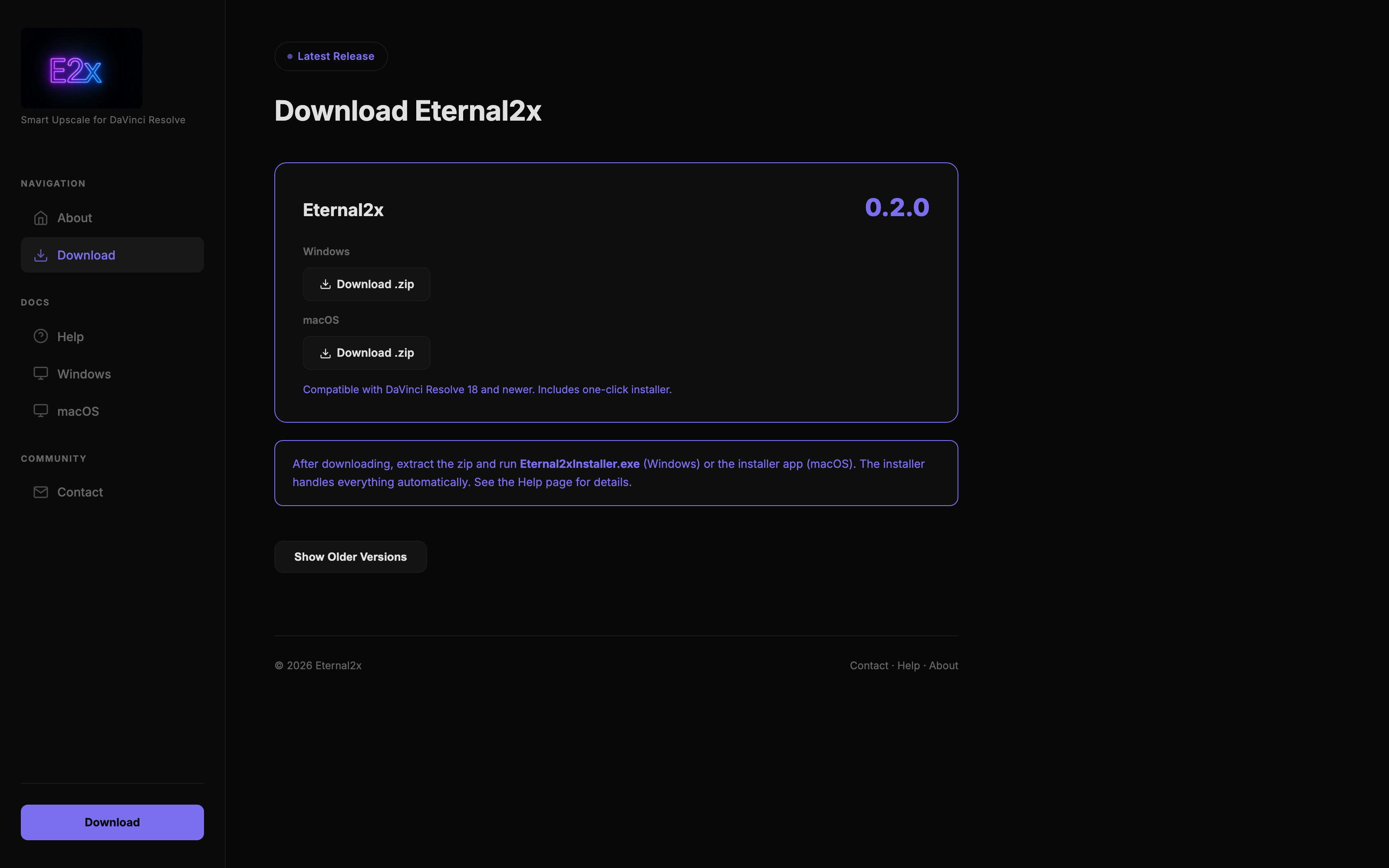
Download
Eternal2x v0.2.0 · Win + macOS
Under the hood.
Motion Frame Detection
OpenCV runs a threshold-based motion pass across the source footage, classifying each frame as active or dead. Dead frames are flagged to skip interpolation entirely.
DaVinci Lua Hooks
Lua scripts inside DaVinci Resolve auto-place markers at motion segment boundaries and drive clip segmentation, removing the manual marker / split / blade work editors normally do by hand.
Dead Frame Skipping
Dead frames bypass the upscale stage entirely and are passed through untouched. Only active segments hit the render queue, cutting total upscale time substantially on footage with static stretches.
4K Upscale via FFmpeg
Active segments are routed through an FFmpeg upscale pipeline tuned for 4K output. The pipeline reassembles the final timeline with upscaled actives and pass-through deads, then exports the finished cut.
One-Command Orchestration
A Python driver coordinates OpenCV detection, DaVinci Resolve Lua hooks, and the FFmpeg render into a single one-command pipeline — point it at a project, get a 4K master out the other side.
Dead-frame skipping cuts upscale render time substantially versus brute-force re-rendering every frame
Lua + DaVinci Resolve API integration removes manual marker placement and clip segmentation
OpenCV threshold-based motion detection tuned for 24/30/60fps source footage
One-command Python orchestration from raw project to finished 4K master
Eternal2x
Live and shipping.